Harold's Photo Blurbs
How to Organize Thousands of Digital Photos Without Feeling Overwhelmed
by Harold's Photo / July 21, 2026
If your phone says you have 18,000 photos, or maybe even 50,000, you are not alone. Between smartphones, digital cameras, screenshots, social media downloads, and years of family vacations, it is easier than ever to accumulate thousands of images. The hard part is no longer taking photos. It is finding the ones you actually want.
The good news? You do not have to organize everything in one weekend. With a simple system and a little consistency, you can finally take control of your digital photo collection without feeling overwhelmed.
Start Small and Forget About Perfection
One of the biggest mistakes people make is trying to sort every photo they have ever taken in one sitting. Instead, give yourself one small, manageable goal:
- Set a timer for 20 to 30 minutes
- Work on one month, year, device, or event
- Stop when the timer ends
Even organizing a few hundred photos each week adds up quickly. The goal is not to create a perfect photo library overnight. The goal is to make steady progress.
👉 Rule of thumb: Progress is better than perfection.

Gather Your Photos Into One Place
Most people have photos scattered across several devices and storage locations, including:
- Phones and tablets
- Digital cameras and memory cards
- Old and current computers
- External hard drives
- USB flash drives
- CDs and DVDs
- Cloud storage accounts
- Social media downloads
Before you begin sorting, try to gather everything into one central location. This might be a main computer, a large external hard drive, or a dedicated photo-management program. Do not delete the original files from your devices until you have confirmed that everything transferred correctly and has been backed up.
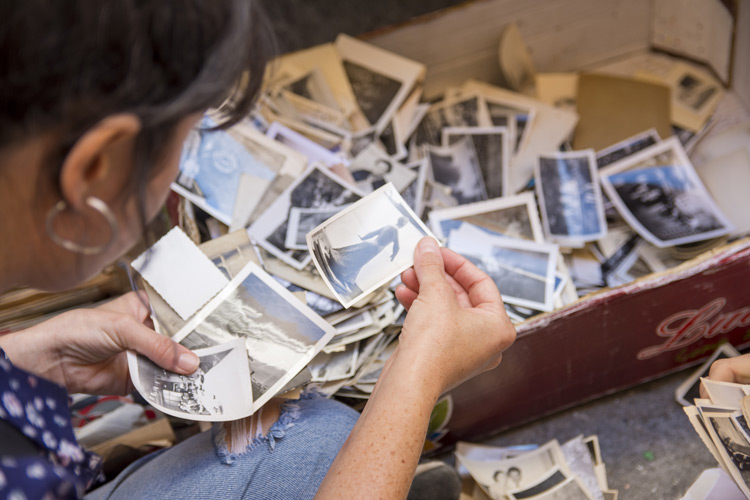
If you also have boxes of printed photos, slides, or negatives, consider having them digitized so your older memories can be stored alongside your newer digital images. Harold’s Photo can help convert older photographs, slides, negatives, and other media into digital files through our photo scanning and transfer services.
Create a Simple Folder System
A good folder system should be easy to understand and easy to maintain. Avoid creating hundreds of overly specific folders that will become difficult to manage later. Begin by creating one main folder for your entire collection:
- Photos
Inside that folder, create a separate folder for each year:
- 2026
- 2025
- 2024
- 2023
Within each year, create folders for important months, events, trips, or occasions:
- 2026-01 Winter
- 2026-03 Spring Break
- 2026-05 Graduation
- 2026-07 Yellowstone Trip
- 2026-12 Christmas
Putting the year first, followed by the month and event, keeps folders in chronological order and makes them easier to search.
👉 Tip: Choose one naming system and use it consistently. A simple system you will actually use is better than a complicated one you will eventually abandon.

Delete the Obvious Clutter First
You do not have to carefully study every image during your first round of organizing. Begin by removing the photos you know you do not need. Look for:
- Accidental pocket photos
- Blurry or completely out-of-focus images
- Duplicate downloads
- Outdated screenshots
- Photos of receipts you no longer need
- Random memes or saved images
- Multiple identical photos
Removing the obvious clutter first can reduce your collection quickly without requiring difficult decisions.
Choose the Best Version
It is common to take 10 or 20 photos of the same moment, especially when photographing children, pets, groups, or special events. Instead of keeping every version, compare the images and choose the best one or two.
- Keep the sharpest image
- Look for the best facial expressions
- Check that everyone’s eyes are open
- Choose the photo with the strongest composition
- Delete versions that are nearly identical
Professional photographers call this process culling. It is one of the fastest ways to reduce photo clutter while keeping the moments that matter.
Rename Important Folders and Files
Camera filenames such as IMG_4821.jpg or DSC00432.jpg do not tell you much about the photo.
You do not necessarily need to rename every individual image, but descriptive folder names make your collection much easier to navigate. Helpful examples include:
- 2026 Family Reunion
- Emma Graduation
- Yellowstone Vacation
- Christmas at Grandma’s
- Tucker at the Lake
For especially important images, you can also rename the individual file using the date, event, and subject.
For example: 2026-05-22-Emma-Graduation.jpg

Use Favorites to Find Your Best Photos
Most phone and photo-management apps allow you to mark images as favorites. This simple feature can save a lot of time later. Use favorites to identify:
- Your best family photos
- Favorite vacation memories
- Photos you want to print
- Images for holiday cards
- Photos for a yearly photo book
- Pictures you want to share with family
Favorites give you a smaller, curated collection without requiring you to remove every other image from your library.
Protect Your Photos With Multiple Backups
If your photos exist in only one place, they are not fully protected. Phones can be lost, computers can fail, and external hard drives can stop working. A backup system helps prevent one accident from erasing years of memories. A helpful guideline is the 3-2-1 backup method:
- Three copies of your photo collection
- Two different types of storage
- One copy stored somewhere off-site
For example, you might keep one copy on your computer, one on an external hard drive, and one in cloud storage. After transferring or organizing a large group of photos, open several files from each folder to make sure they copied correctly before deleting anything from the original device.
Print the Photos That Matter Most
Organizing your digital collection is not just about cleaning up files. It is also about making your favorite memories easier to enjoy. Consider printing photos from:
- Family vacations
- Weddings and anniversaries
- Graduations
- Birthdays
- Family portraits
- Children and grandchildren
- Favorite pets
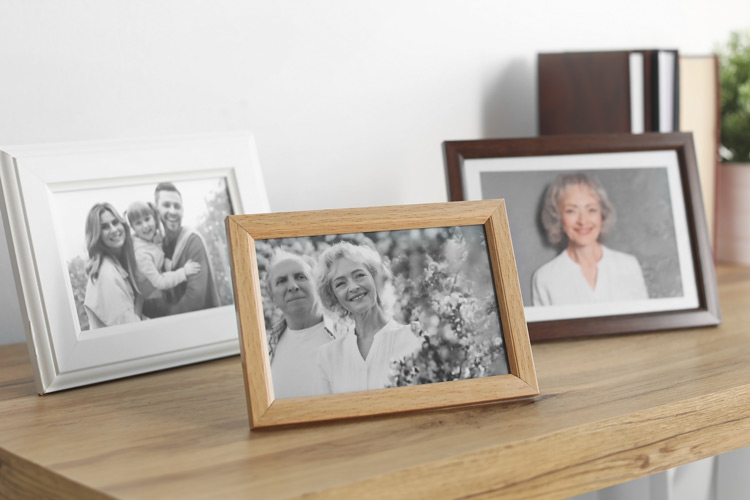
Printed photos do not get lost in a camera roll. They become part of your home, your family albums, and your everyday life. You can turn your favorite images into traditional photo prints, create a yearly photo book, or display special memories as wall décor.
Create an Ongoing Photo Routine
Once you have made progress on your older photos, a simple maintenance routine will keep the clutter from building up again.
- Review your phone photos once a month
- Delete blurry and accidental images right away
- Move important photos into the correct folders
- Back up your collection regularly
- Mark your favorites as you go
- Print a selection of your best photos each year
Even 15 minutes of organizing each month can make a major difference over time.
Do Not Forget Your Older Family Photos
Digital photo organization is also a good opportunity to think about the printed photographs, negatives, slides, and film stored in closets, basements, and boxes. Digitizing older photos makes it easier to:
- Preserve family history
- Share photos with relatives
- Create duplicate prints
- Design photo books and wall art
- Restore faded or damaged photographs
- Keep older and newer memories together
👉 Harold’s Photo offers professional scanning, transfer, and photo preservation services to help protect memories that may not currently exist in digital form.
👉 For photographs that are torn, faded, stained, or damaged, our photo restoration services can help bring important images back to life.
Final Thoughts: Take It One Folder at a Time
Thousands of digital photos can feel overwhelming, but you do not have to organize all of them at once.
- Start with one folder
- Delete a few duplicates
- Back up your files
- Mark your favorites
- Print the photos you love most
Every small step makes your collection easier to search, easier to protect, and more enjoyable to share. After all, photos are not meant to sit forgotten on a phone or hard drive. They are meant to tell your story.
👉 Ready to enjoy more of your favorite memories? Explore photo prints, books, wall décor, scanning services, and more at haroldsphoto.com